
Who should use KedmaneeKey
KedmaneeKey is for English speakers/readers who want to learn how to type Thai on they Mac keyboards. Yes, you can use the built-in MacOS keyboard viewer with the Thai input source enabled. But it wasn’t designed to help you learn to type in Thai like you probably learned to type in English. If you have a Macbook computer with a keyboard that has Thai lettering on the keycaps (whether that is a Macbook or Mac mini with an externaly keyboard) this app will help you learn to type faster. Even if you don’t have a keyboard with Thai lettering this app will help you learn to use your English keyboard to type Thai without having to look at your keyboard of the Mac keyboard viewer… you will develop the muscle memory for the location of the Thai letters and marks like you have for English.
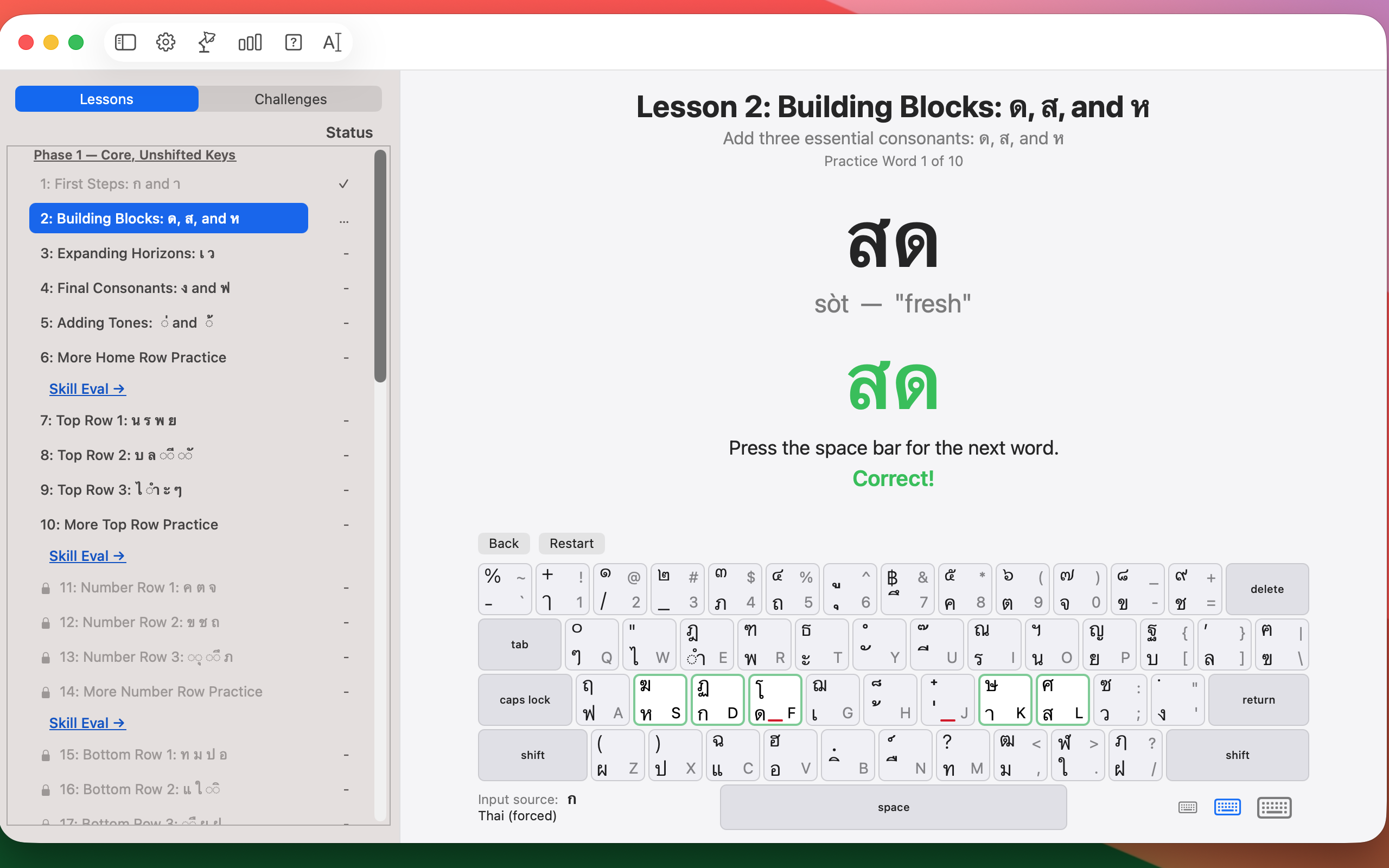
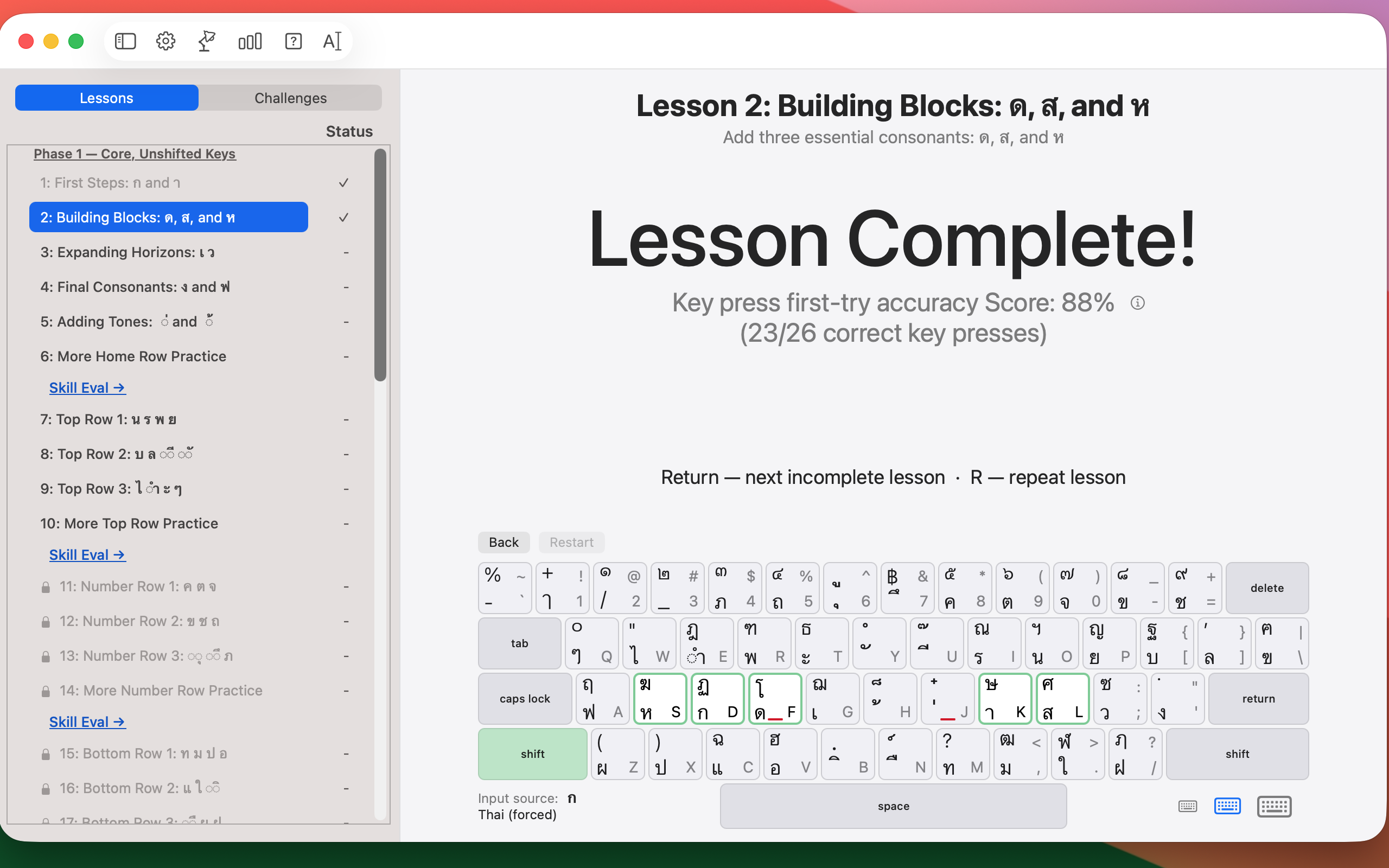
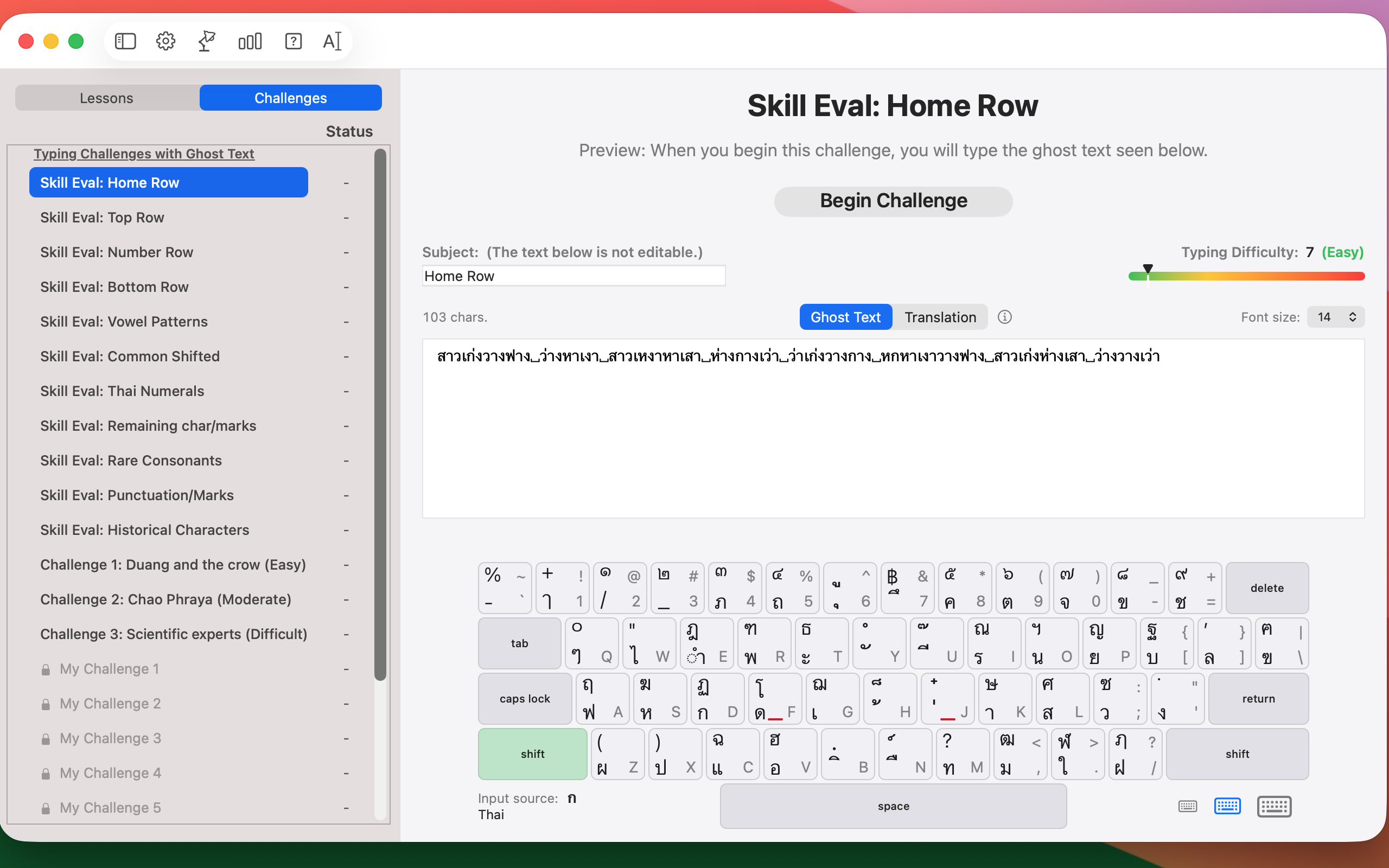
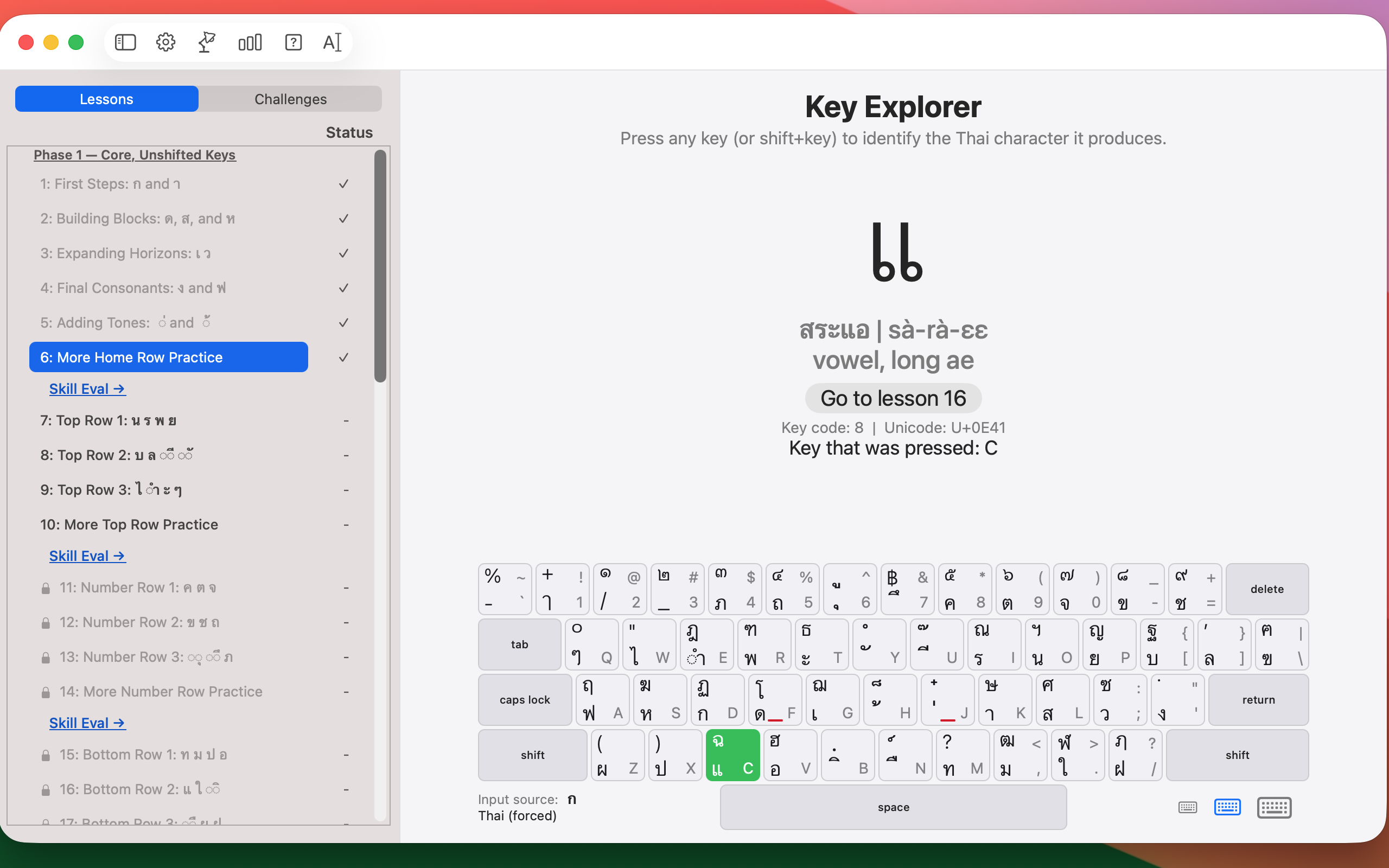
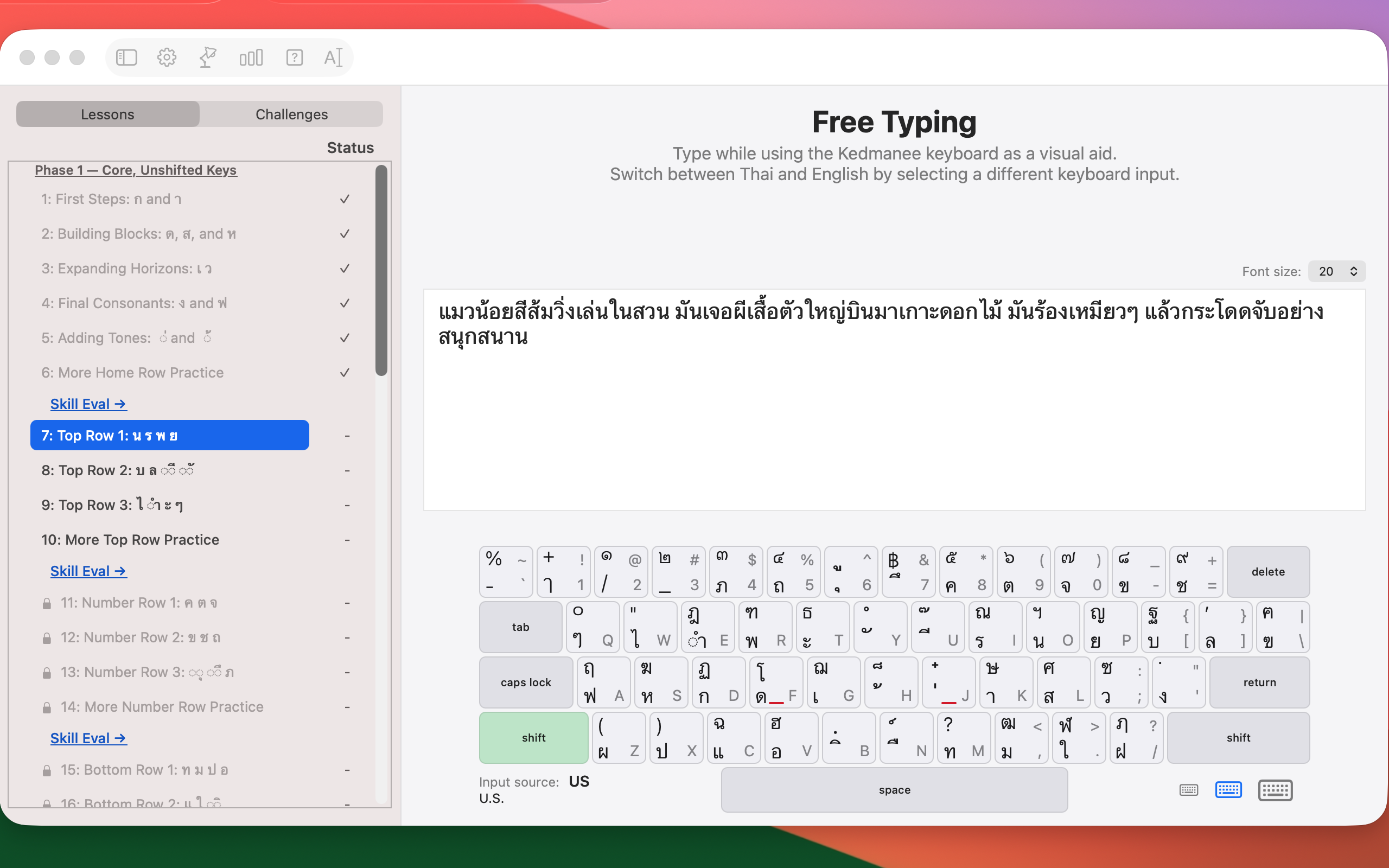
A key tool in this app is the Kedmanee Keyboard Guide built into this app. As shown below, the Kedmanee Keyboard viewer shows you keycaps for your physical keyboard that have both Thai and English. When you progress through a lesson, you are given visual hints as to which key to type and with which finger in order to produce the Thai consonant, vowel, tone mark or diacritic that is part of the lesson.